Meetup 6: Working With Text and Strings

George I. Hagstrom

2025-09-29

Week Preview

  • This week is all about text and categorical variables
  • Key packages stringr, forcats and also the regex language
  • Chapters 14-16 in R4DS
  • I’ll release a video coding analysis of a baby names dataset

HW Pitfalls

  • Don’t automatically remove all outliers, decide case by case
  • Formatting- big variation in submission length this week
    • Don’t submit a table that is multiple pages long, find another way

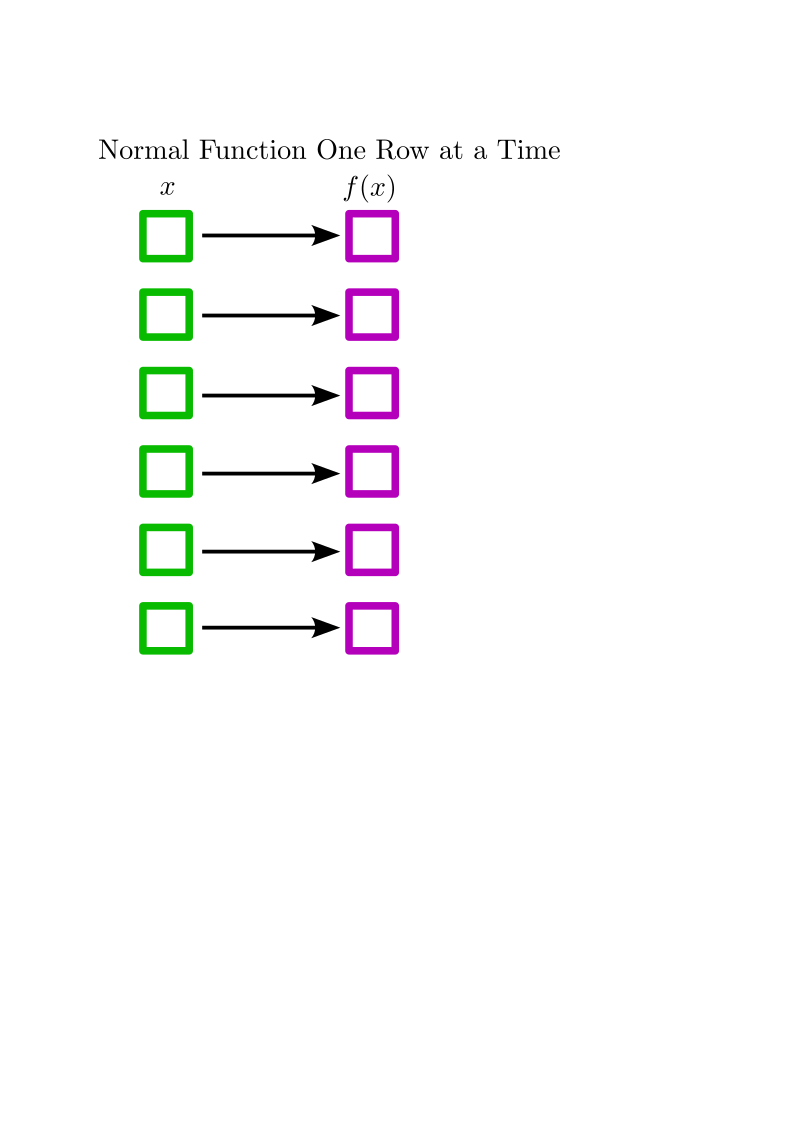
Window Functions

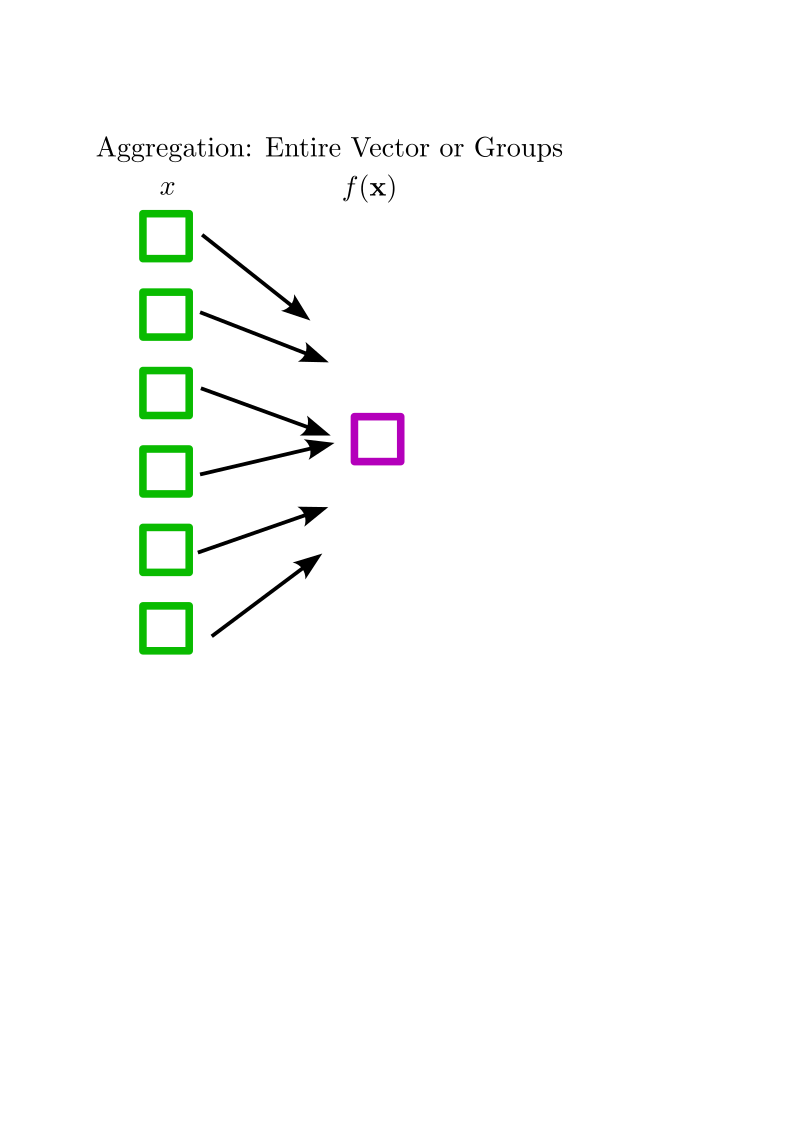
Window Functions

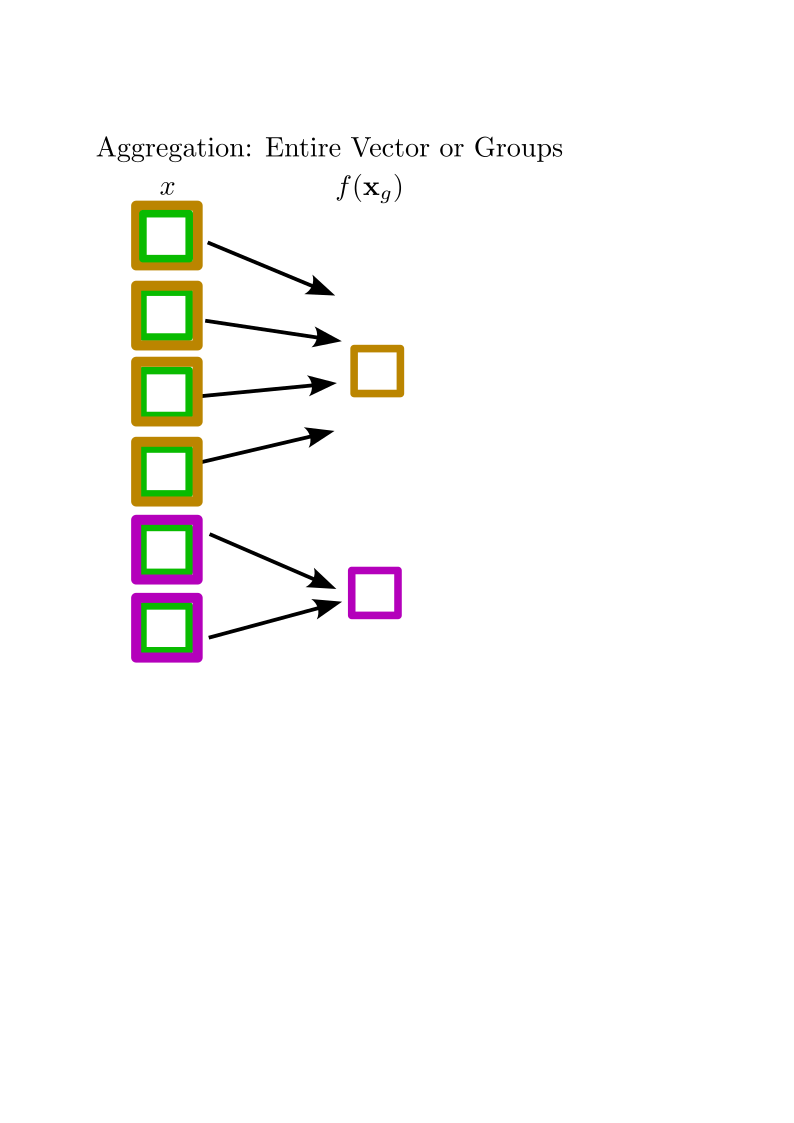
Window Functions

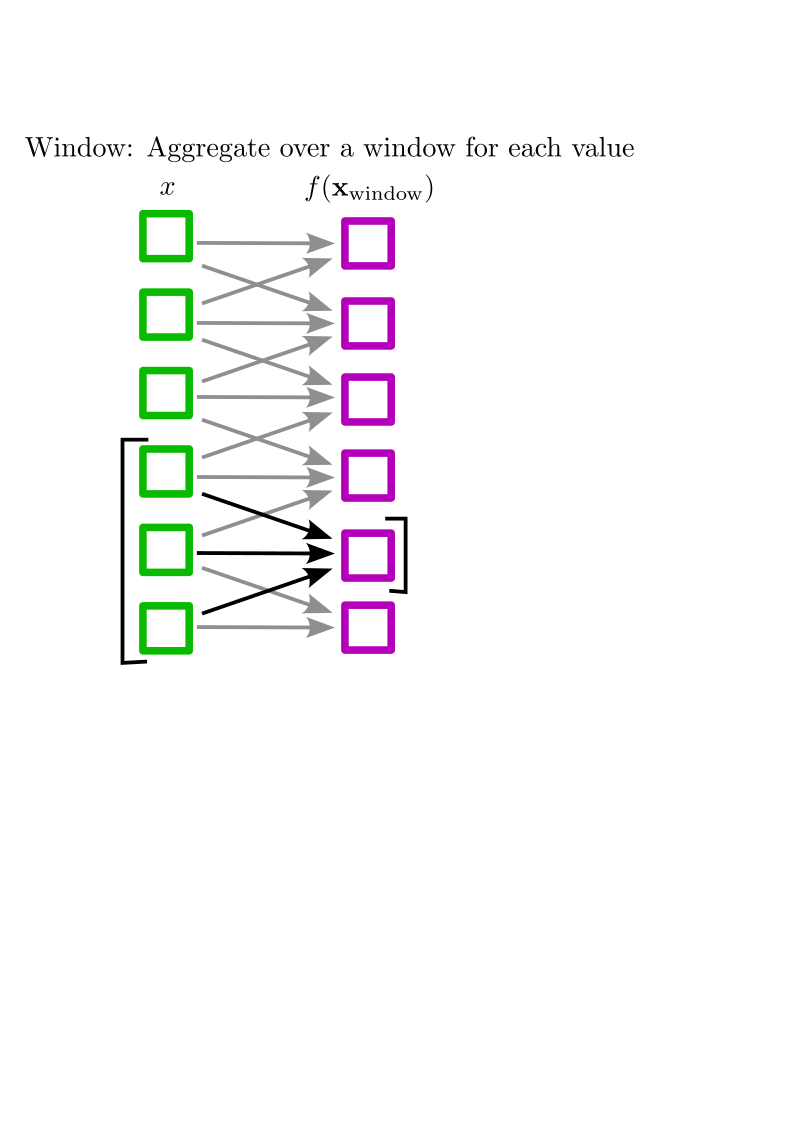
Window Functions

Case Study: Huntington’s Disease

  • Tandem Repeats: sections of genetic code where short element repeats:

  • CAGCAGCAGCAGCAGCAGCAG

  • In certain genes wrong number of repeats causes disease:
  • Huntington’s Disease:
    • CAA and CAG repeats, code for amino acid Glutamine
    • 6-35 normal
    • 36+ causes disease

Pattern Matching

  • How to determine number of repeats CAA + CAG repeats in a section of code?
library(tidyverse)
library(kableExtra)
DNA =read_file("Huntington.txt")

DNA |> str_sub(1, 800) |> print()
[1] "\t1 ttgctgtgtg aggcagaacc tgcgggggca ggggcgggct ggttccctgg ccagccattg\n       61 gcagagtccg caggctaggg ctgtcaatca tgctggccgg cgtggccccg cctccgccgg\n      121 cgcggccccg cctccgccgg cgcagcgtct gggacgcaag gcgccgtggg ggctgccggg\n      181 acgggtccaa gatggacggc cgctcaggtt ctgcttttac ctgcggccca gagccccatt\n      241 cattgccccg gtgctgagcg gcgccgcgag tcggcccgag gcctccgggg actgccgtgc\n      301 cgggcgggag accgccatgg cgaccctgga aaagctgatg aaggccttcg agtccctcaa\n      361 gtccttccag cagcagcagc agcagcagca gcagcagcag cagcagcagc agcagcagca\n      421 gcagcagcag caacagccgc caccgccgcc gccgccgccg ccgcctcctc agcttcctca\n      481 gccgccgccg caggcacagc cgctgctgcc tcagccgcag ccgcccccgc cgccgccccc\n      541 gccgccaccc ggcccggctg tggctgagga gccgctgcac cgaccaaaga aagaactttc\n      601 agctaccaag aaagaccgtg tgaatcattg tctg"

Processing Steps

  • Get rid of tabs, numbers, spaces, newlines:
DNA = DNA |> 
  str_remove_all("[0-9]") |>   
  str_remove_all("\t") |> 
  str_remove_all("\n") |> 
  str_remove_all(" ")

DNA |> str_sub(1,60) |> print()
[1] "ttgctgtgtgaggcagaacctgcgggggcaggggcgggctggttccctggccagccattg"

Matching Using regex

  • Following Regular Expression can match repeats of various lengths: (CAA|CAG){10,}
DNA |> 
  str_count("caa") |>
  print()
[1] 179
DNA |> 
  str_count("cag") |> 
  print()
[1] 471
DNA |>
  str_count("(caa|cag){10,}") |>
  print()
[1] 1

How Long?

DNA |> 
  str_extract_all("(caa|cag){10,}") |> 
  str_length()/3
[1] 23
DNA |> str_extract_all("(caa|cag){10,}")
[[1]]
[1] "cagcagcagcagcagcagcagcagcagcagcagcagcagcagcagcagcagcagcagcagcagcaacag"

Other Examples

  • Libraries stringr and regex elevate your ability to work with text
  • Useful in many domains:
    • Email: "\\b[A-Z0-9._%+-]+@[A-Z0-9.-]+\\.[A-Z]{2,}\\b"
    • US Zip Code: "\\d{5}([ \\-]\\d{4})?"
    • YYYY-MM-DD dates: "/([12]\\d{3}-(0[1-9]|1[0-2])-(0[1-9]|[12]\\d|3[01]))/"

String/Character Basics

  • Defined by enclosing in quotes:
string1 = c("word",'another word', "multiple\n lines",
            "using \"escapes\" and \u00FCnicode ")
str_view(string1)
[1] │ word
[2] │ another word
[3] │ multiple
    │  lines
[4] │ using "escapes" and ünicode 
  • Special characters:
    • "\n" newline
    • "\t" tab
    • "\" to escape and write special character

Key functions:

  • str_c(): adds strings together
  • str_sub(): subsets strings
  • str_flatten() combines chars in a char vector into single string
str_c("Abraham"," ","Lincoln")
[1] "Abraham Lincoln"
str_sub(c("Abraham","Lincoln"),start=1,end=4)
[1] "Abra" "Linc"
str_flatten(letters)
[1] "abcdefghijklmnopqrstuvwxyz"

Key functions:

  • str_view() underlying string and pattern matches
  • str_length() self explanatory
  • str_count() counts matches with a pattern
  • str_detect() logical match
str_length("Grizzly Bear")
[1] 12
DNA |> str_count("caa") |> print()
[1] 179
"Lions, Tigers, and Bears" |> str_view("Tiger")
[1] │ Lions, <Tiger>s, and Bears
"Lions, Tigers, and Bears" |> str_detect("Cat")
[1] FALSE

Key functions:

  • str_replace() and str_replace_all: substitute
  • str_remove() and str_remove_all(): remove matches
  • str_extract() and str_extract_all(): pull out matches
"Abraham Linc0ln" |> str_replace_all("0","o")
[1] "Abraham Lincoln"
c("Blueberry","Blackberry","Lingonberry") |> str_remove("berry")
[1] "Blue"   "Black"  "Lingon"
DNA |> str_extract_all("tttttt")
[[1]]
[1] "tttttt"

Regular Expressions (regex)

  • Regex are a powerful language for describing complex patterns
  • String search tools often use them by default
  • Regular Characters:
  • a-z, A-z, 0-9
  • Metacharacters:
    • . , * , () , [] , {} , | , \ , $ , ? , ^ , +
    • These add special meaning to the patterns

Wildcard .

  • . a symbol that can stand for any character
  • Find all instances of “a” followed by two letters of any type, followed by another “a”:
words |> str_view("a..a")
 [35] │ <alwa>ys
 [43] │ <appa>rent
 [49] │ <area>
 [53] │ <arra>nge
 [62] │ av<aila>ble
[598] │ par<agra>ph
[801] │ st<anda>rd

Quantifiers ?, +, *

  • Find patterns that repeat
  • ? for optional matches:
str = "eTeeTeeeTeeeeT"
str |> str_view("ee?")
[1] │ <e>T<ee>T<ee><e>T<ee><ee>T
  • + for repeat matches:
str |> str_view("ee+")
[1] │ eT<ee>T<eee>T<eeee>T
  • * for any number of repeat matches, including 0:
str |> str_view("ee*")
[1] │ <e>T<ee>T<eee>T<eeee>T

Advanced Quantifiers {m,n}

  • Use {m,n} to specify at least “m” matches but no more than “n” matches:
AASeq = read_file("HuntingtonTrans.txt") |> 
  str_remove_all("\t") |> 
  str_remove_all("\n") |> 
  str_remove_all(" ")
AASeq |> str_extract_all("Q{2,}") |> print()
[[1]]
 [1] "QQQQQQQQQQQQQQQQQQQQQQQ" "QQQ"                    
 [3] "QQ"                      "QQ"                     
 [5] "QQ"                      "QQ"                     
 [7] "QQ"                      "QQ"                     
 [9] "QQ"                      "QQ"                     
[11] "QQ"                      "QQ"                     
[13] "QQ"                     
AASeq |> str_extract_all("Q{3,10}") |> print()
[[1]]
[1] "QQQQQQQQQQ" "QQQQQQQQQQ" "QQQ"        "QQQ"       

Character Classes

  • Use square brackets to denote a group of characters to match
words |> str_view("[aeiou]tt[aeiou]")
 [60] │ <atte>nd
[107] │ b<otto>m
[173] │ comm<itte>e
[470] │ l<ette>r
[508] │ m<atte>r
  • “^” matches everything not in the brackets
words |> str_view("q[^u]")
words |> str_view("q[u]") |> head(5)
[276] │ e<qu>al
[665] │ <qu>ality
[666] │ <qu>arter
[667] │ <qu>estion
[668] │ <qu>ick

Special Characters and Escaping

  • Use “\” if you need to match a metacharacter for real, i.e.
  • “\.”, “\\”, “\+” etc
  • Special character groups also denoted with “" -”\s” space, opposite: “\S” -“\d” number, “\D” not number -“\w” letter or number, “\W” not letter or number
  • Ranges: “[A-E]”, “[1-4]”
  • NEED TO DOUBLE ESCAPE IN R!
str_view("abc123","\\d")
[1] │ abc<1><2><3>

Logical Or

  • “|” allows for specifying alternative expressions to match
fruit |> str_view("apple|berry|melon") |> head(10)
 [1] │ <apple>
 [6] │ bil<berry>
 [7] │ black<berry>
[10] │ blue<berry>
[11] │ boysen<berry>
[13] │ canary <melon>
[19] │ cloud<berry>
[21] │ cran<berry>
[29] │ elder<berry>
[32] │ goji <berry>

Grouping

  • “()” makes whatever inside act like a group
  • Example from earlier, finding repeats of a sequence
DNA |> str_extract_all("(caa|cag){3,60}")
[[1]]
[1] "cagcagcagcagcagcagcagcagcagcagcagcagcagcagcagcagcagcagcagcagcagcaacag"
[2] "cagcagcag"                                                            
[3] "cagcagcag"                                                            
[4] "caacagcaa"                                                            

Backreferencing

  • If something is contained in parentheses, you can reference it using “\1”, “\2”, etc
DNA |> str_extract_all("(......)\\1+")
[[1]]
 [1] "cagcagcagcagcagcagcagcagcagcagcagcagcagcagcagcagcagcagcagcag"
 [2] "ccgccgccgccgccgccg"                                          
 [3] "cagccgcagccg"                                                
 [4] "ggccctggccct"                                                
 [5] "gaggaggaggag"                                                
 [6] "gaggaggaggag"                                                
 [7] "cctcgtcctcgt"                                                
 [8] "cccccaccccca"                                                
 [9] "gggcctgggcct"                                                
[10] "tgagcttgagct"                                                
[11] "aaaaaaaaaaaaaaaaaa"                                          

Anchors

  • “^” start of string, “$” end of string
words |> str_view("^a.+d$")
[12] │ <add>
[17] │ <afford>
[38] │ <and>
[52] │ <around>
[60] │ <attend>

Boundary

  • “\b” the boundary of a word
sentences |> str_view("ink") |> head(5)
 [12] │ A rod is used to catch p<ink> salmon.
 [73] │ The <ink> stain dried on the finished page.
 [96] │ Bail the boat to stop it from s<ink>ing.
[148] │ The spot on the blotter was made by green <ink>.
[206] │ The club rented the r<ink> for the fifth night.
sentences |> str_view("\\bink\\b")
 [73] │ The <ink> stain dried on the finished page.
[148] │ The spot on the blotter was made by green <ink>.
[217] │ It is hard to erase blue or red <ink>.
[321] │ Fill the <ink> jar with sticky glue.

Data Science in Context Presentations

Meetup Reflection/One Minute Paper

Please fill out the following google form after the meeting or watching the video:

Click Here